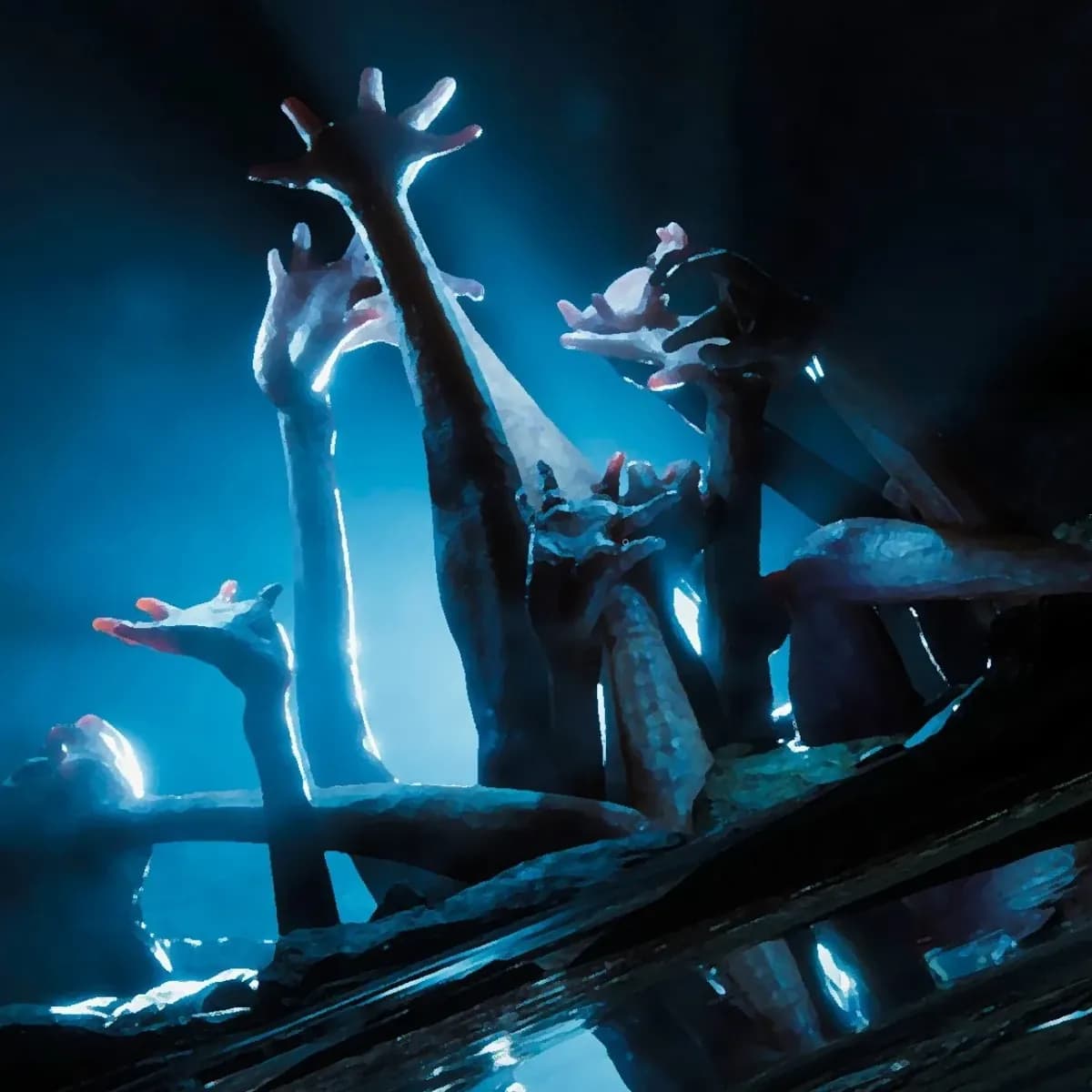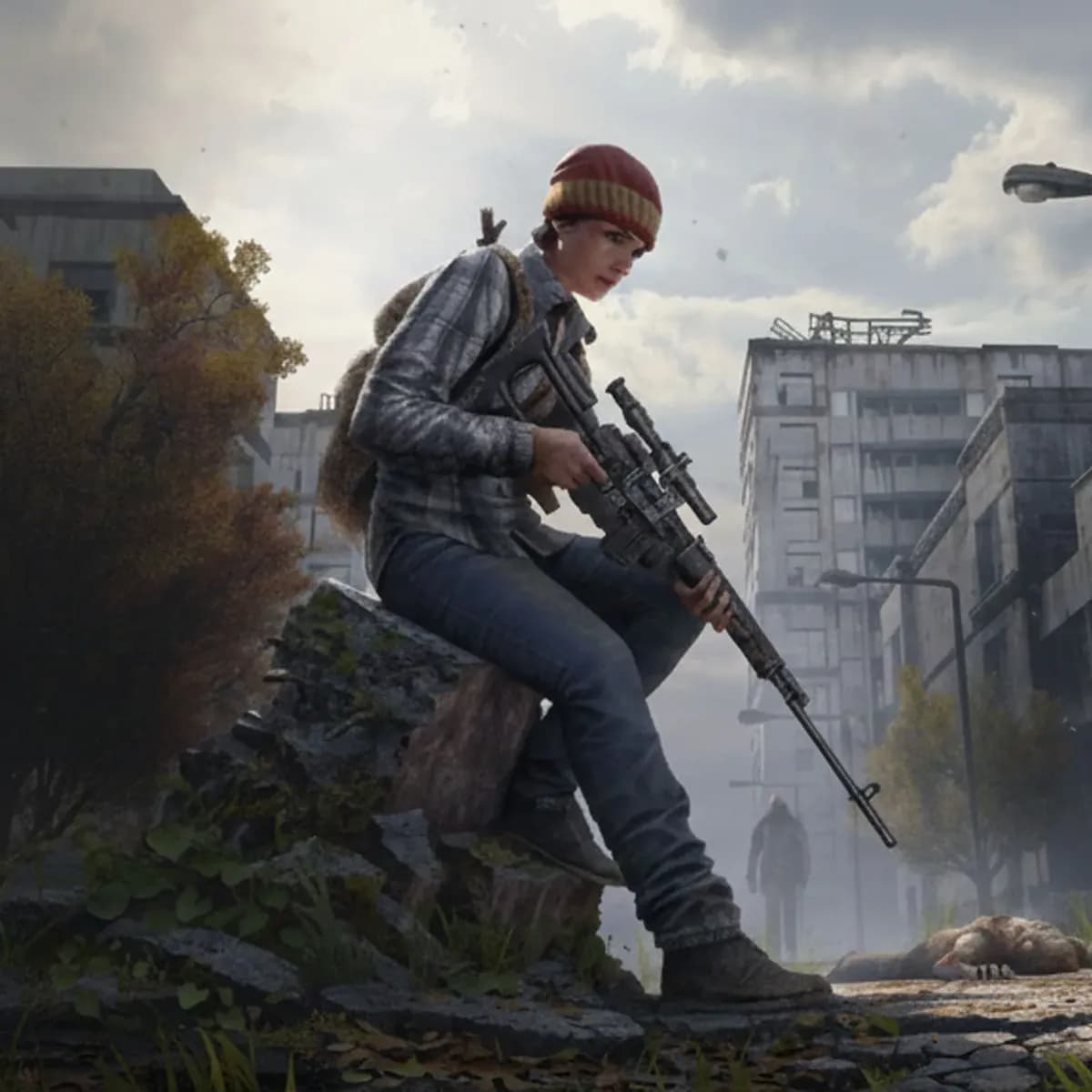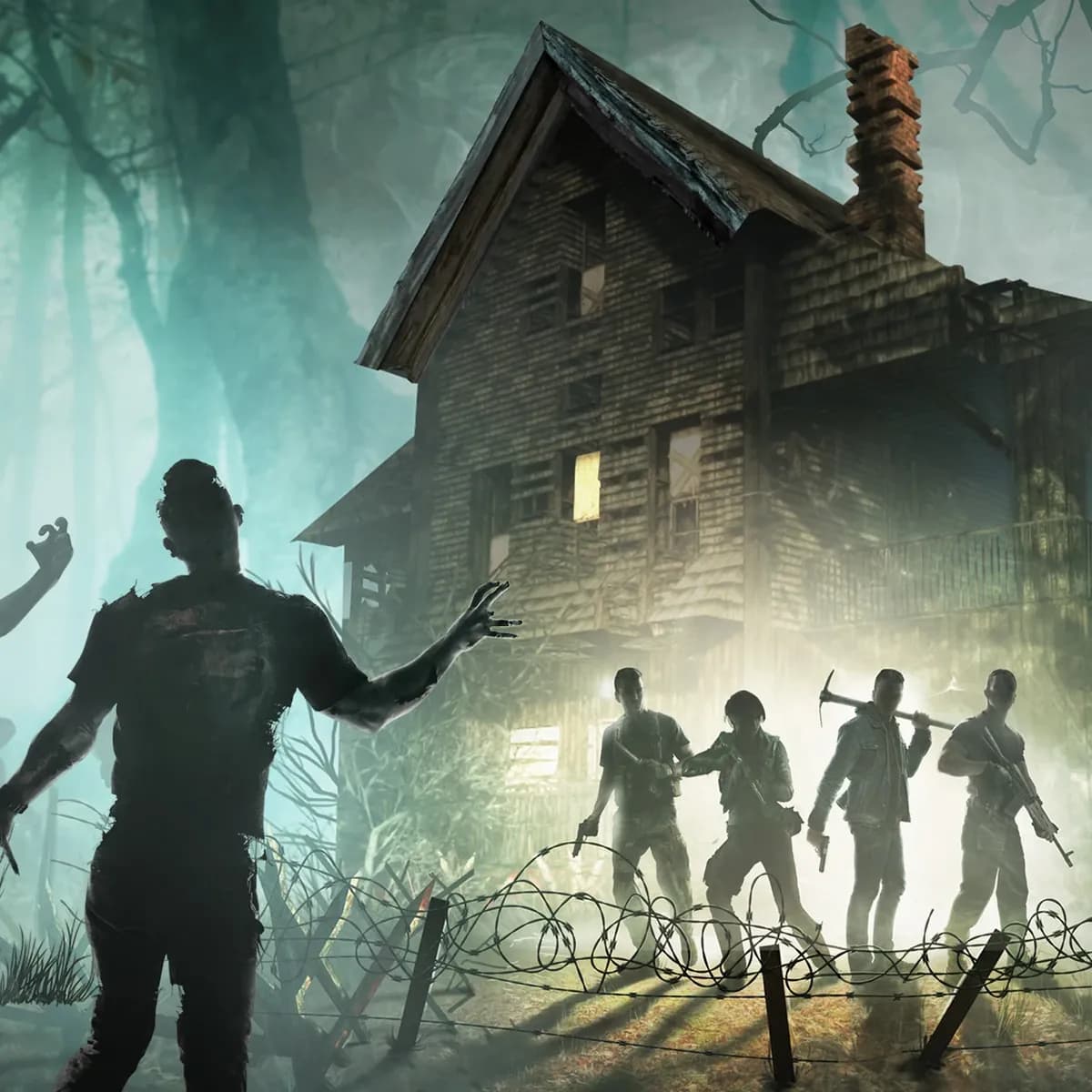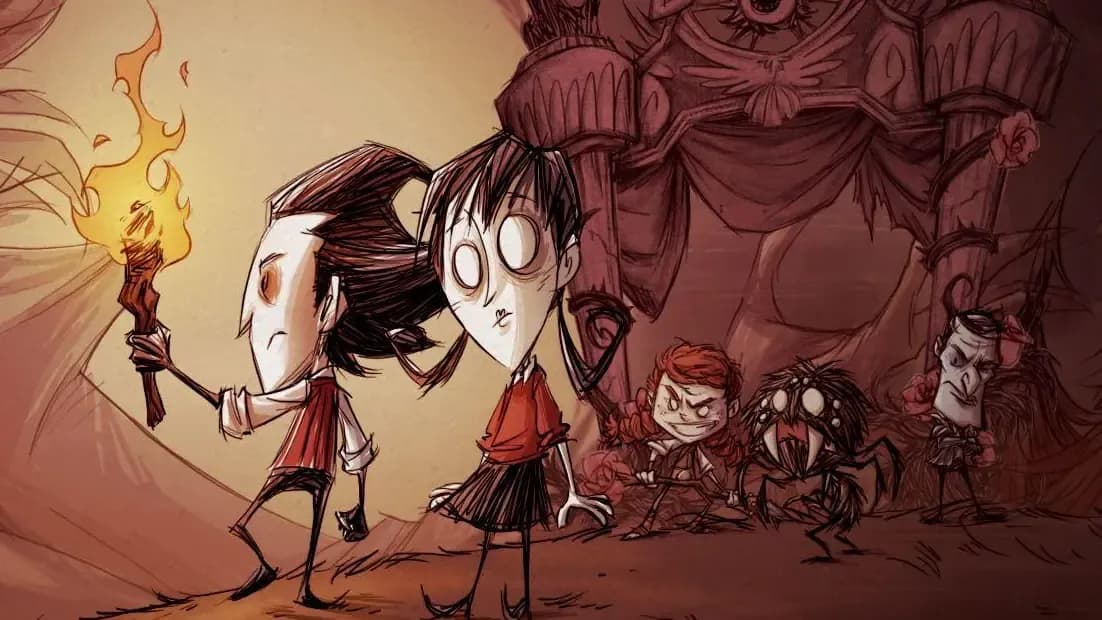
Don't Starve Together game artwork

Survival, Don't Starve Together hosting

Your Don't Starve Together server, hosted in Paris

Rent from €1.44/month, billed by the minute (0.2 ct/h)

Co-op survival at its cruellest, in a world that’s waiting for you.

Prices include VAT, no commitment. When it’s stopped, your server only pays for its storage, and its dedicated IP if it has one.

4.6/5 · 18 reviews onTrustpilot

Your world starts here

Hosting your Don't Starve Together server

Survive the night, together.

In Don’t Starve Together, the world lives on between your sessions: seasons turn, resources grow back and bosses lie in wait. A hosted server lets everyone join whenever they like, without the host being online, and keeps the world safe from a computer crashing in the middle of winter.

Before you order, agree on the world settings: season difficulty, caves or no caves, resurrection options. These choices are hard to change once the game has started.

SurvivalMultiplayerDon't Starve Together guide
Artwork of the Don't Starve Together universe, for an adventure with your community
The joy of playing togetherA campfire against the dark.

The Don't Starve Together server guide

Set up your Don't Starve Together server right.
Before the first login.

Guide 01

Surface and caves: two shards, one server

A full Don’t Starve Together server runs two linked instances: the surface and the caves. Caves add resources and bosses, but double the load on the server.

A group of beginners can start without caves and add them later; an experienced group will turn them on from the start. The server also needs a cluster token, generated from your Klei account, so the game recognises it.

Guide 02

Tune world generation before the first night

World generation can be finely tuned: season length, resource abundance, creature aggression, death and resurrection rules. A world tuned for veterans puts newcomers off; a world that’s too generous bores the regulars.

Talk it through before you generate: most generation settings only apply to a new world. Write down the settings you chose so you can reproduce them if you start over.

Guide 03

Workshop mods to shape the experience

Steam Workshop mods add characters, recipes, maps and quality-of-life improvements. They’re installed on the server and downloaded by players when they connect.

Each mod adds a little load and a risk of incompatibility after a game update. Pick them with your group, enable them one at a time and keep the list up to date: a mod that no longer loads stops everyone from connecting.

Guide 04

Back up a world that’s survived a hundred days

The real value of a Don’t Starve Together server is the world you’ve kept alive. Back it up regularly, and always before every update to the game or a mod.

If your group plays at very different times, agree on who can start a boss fight or a risky expedition: a group-wide death on an evening when half the group is away is the number one reason servers get abandoned.

You’ll also find Arkya’s articles and guides.

Configurations

Plans for your Don't Starve Together server

Prices include VAT, for a server running 24/7 for 30 days. You pay by the minute for what runs, and you switch plans whenever you like.

How much it costs

How much does a Don't Starve Together server cost?

From €1.44/month running 24/7, or 0.2 ct/h, billed by the minute from your balance. Here’s what that looks like for your playing rhythm, plan by plan.

Full pricing
Monthly prices including VAT for the Don't Starve Together plans, by running time
Plan24/7Stopped
Campfire€1.440.2 ct/h€0.06
Cave Dwellersrecommended€1.890.26 ct/h€0.12
Constant Realm€2.640.37 ct/h€0.18

Billed by the minute. The meter runs at the plan’s rate while the server is on. When it’s stopped, it no longer pays for processor or memory: only its storage, and its dedicated IP if it has one.

Prices include VAT, no commitment. You top up your balance by card or PayPal, and it’s charged as you use it. No subscription, no setup fees, no renewal prices.

Change it any time. A plan is a starting point: you change processor, memory or disk from the client area, and the price follows straight away.

Monthly prices including VAT on the cheapest machine, for a 30-day month (720 h). The “4 h a night” column also counts the storage paid for the rest of the day, with the server stopped.

Features

Everything you need for Don't Starve Together

  • Survie
  • Horreur
  • Craft
  • Coop
  • Mods Steam Workshop

    Ajoute tes mods Steam Workshop en renseignant leurs IDs dans la configuration de ton serveur. Nouveaux personnages, biomes, mécaniques : ils se chargent automatiquement au démarrage.

  • Protection DDoS L3/L4

    Ton serveur est protégé en permanence contre les attaques DDoS de couches 3 et 4. Ta communauté survit sans jamais être interrompue.

  • Serveurs basés à Paris

    Nos machines sont hébergées à Paris, sur une infrastructure professionnelle pensée pour le jeu. Latence minimale pour tes joueurs européens, stabilité maximale en toutes circonstances.

Everything is managed from your client area

Live console, logs, backups, members and usage: every service in one place, paid from the same balance.

survival-with-friendsAGSOnlineDon't Starve TogetherRestartStop

> say Welcome to the guild!

Players online

  • Inès
  • Léo
  • Karim
  • Sacha
  • Maël

CPU

Memory

From idea to first login

Launch your Don't Starve Together server in three steps.

Check your playground

Edition, version, player access: pin down your Don't Starve Together project, then choose the edition and configuration that suit it.

Configure and protect

Choose the resources, set up access and import your data from the panel if needed. Keep a copy before every major change.

Invite and observe

Test a first login, share the address with your group and watch the resources during a real session.

Your community

Your whole Don't Starve Together community.

Your Don't Starve Together server is often just the beginning. Its database is free, and your community’s bot or website can run right next to it, in the same project.

A free database, MariaDB or PostgreSQL

0.5 vCPU, 512 MB of memory and 5 GB of disk, free for as long as your server is active. You create it from the server’s overview; if you make it bigger, only the extra is billed.

The free database

Your Discord bot or website alongside

A Docker image, and Arkya puts it online as an application, with HTTPS and your domain. From €1.50/month running around the clock, €0 when stopped.

Host an application
  • Une excellente première impression !

    Franchement, une très belle découverte ! Arkya se démarque par sa grande écoute et l'importance qu'ils accordent aux besoins de leurs clients. Le support est particulièrement attentif, prend le temps de comprendre chaque demande et cherche à proposer des solutions adaptées, même pour des projets Minecraft particulièrement exigeants. Une équipe accueillante, une approche vraiment agréable et une excellente première impression. Ça fait plaisir de voir un hébergeur qui accorde autant d'importance à ses clients et à leur satisfaction ! Merci à l'équipe Arkya, continuez comme ça ! <3
    Aizen
  • Une infrastructure fiable et une facturation vraiment adaptée à l'usage

    Nous hébergeons depuis un mois notre serveur Minecraft Java moddé (modpack Fabric de plus de 100 mods) chez Arkya. Sur cette période, nous n'avons constaté aucune interruption de service : le serveur est resté disponible 24h/24. Le principal atout de l'hébergeur réside dans sa facturation à l'heure. Le compte est crédité à l'avance et seul le temps d'activité du serveur est facturé. Pour une communauté dont la fréquentation varie, ce modèle est nettement plus avantageux qu'un abonnement fixe. [...] Nous recommandons sans hésiter Arkya !
    Project Family
  • Support très rapide

    Support très rapide, et facile d'utilisation.
    Maxence B.

Reviews published on Trustpilot, shown from newest to oldest, unfiltered and unedited. The rating is calculated by Trustpilot across all reviews. Reviews are shown in their original language.

Questions about Don't Starve Together servers

  • Does the world move on when no one is connected?

    No: with no players connected, the world is paused and the seasons don’t advance. It picks up where you left it as soon as a player connects, at any time of day, without the host needing to be there.

  • Can we change the world settings mid-game?

    Some gameplay settings can be adjusted at any time, but most generation settings only apply to a new world. That’s why it pays to agree before you start the game, and to write down the values you chose.

  • Why do caves need more resources?

    Because they’re a second instance of the game, running alongside the surface. The server simulates both worlds and keeps them in sync: that’s why the recommended plan includes the headroom they need.

  • Comment installer des mods Steam Workshop sur mon serveur ?

    Renseigne les IDs de tes mods Steam Workshop dans le fichier de configuration de ton serveur, dans la section dédiée aux mods. Ils seront téléchargés et chargés automatiquement à chaque démarrage. Les joueurs devront s'abonner aux mêmes mods côté client pour pouvoir se connecter.

  • Puis-je personnaliser la génération du monde ?

    Oui. DST offre un système de génération de monde très complet : taille de la map, fréquence des ressources, densité des créatures, saisons, cycles jour/nuit, apparition des boss et bien d'autres paramètres sont configurables depuis le fichier worldgenoverride.lua.

  • Comment gérer les saisons et la difficulté de mon serveur ?

    La durée de chaque saison (Automne, Hiver, Printemps, Été) et leur difficulté sont entièrement configurables depuis les paramètres de génération du monde. Tu peux également désactiver certaines saisons ou ajuster la fréquence des events saisonniers comme Deerclops ou Moose.

  • Combien de joueurs peuvent se connecter simultanément ?

    Don't Starve Together supporte jusqu'à 6 joueurs par défaut. Cette limite peut être augmentée jusqu'à 64 en modifiant le paramètre max_players dans la configuration de ton serveur, bien que les performances dépendent des ressources disponibles.

  • Mon serveur nécessite-t-il des caves ?

    Les caves sont optionnelles mais fortement recommandées pour une expérience complète. Elles nécessitent un shard dédié, c'est-à-dire un second processus serveur tournant en parallèle. Tu configures les deux shards (Overworld et Caves) depuis les fichiers de configuration de ton serveur.

  • Puis-je sauvegarder et restaurer ma partie ?

    Oui. DST sauvegarde automatiquement la progression à intervalles réguliers. Tu peux également forcer une sauvegarde via la commande c_save() dans la console du serveur, et récupérer les fichiers de sauvegarde pour les archiver ou les restaurer.

Other worlds await

What about your next adventure?

All games

Some artwork is original mood art, not official. Trademarks and games belong to their respective publishers.

Got a project in mind?
Give it a world.

Your next server, your next community, your next idea.

No commitment · Billed by the minute