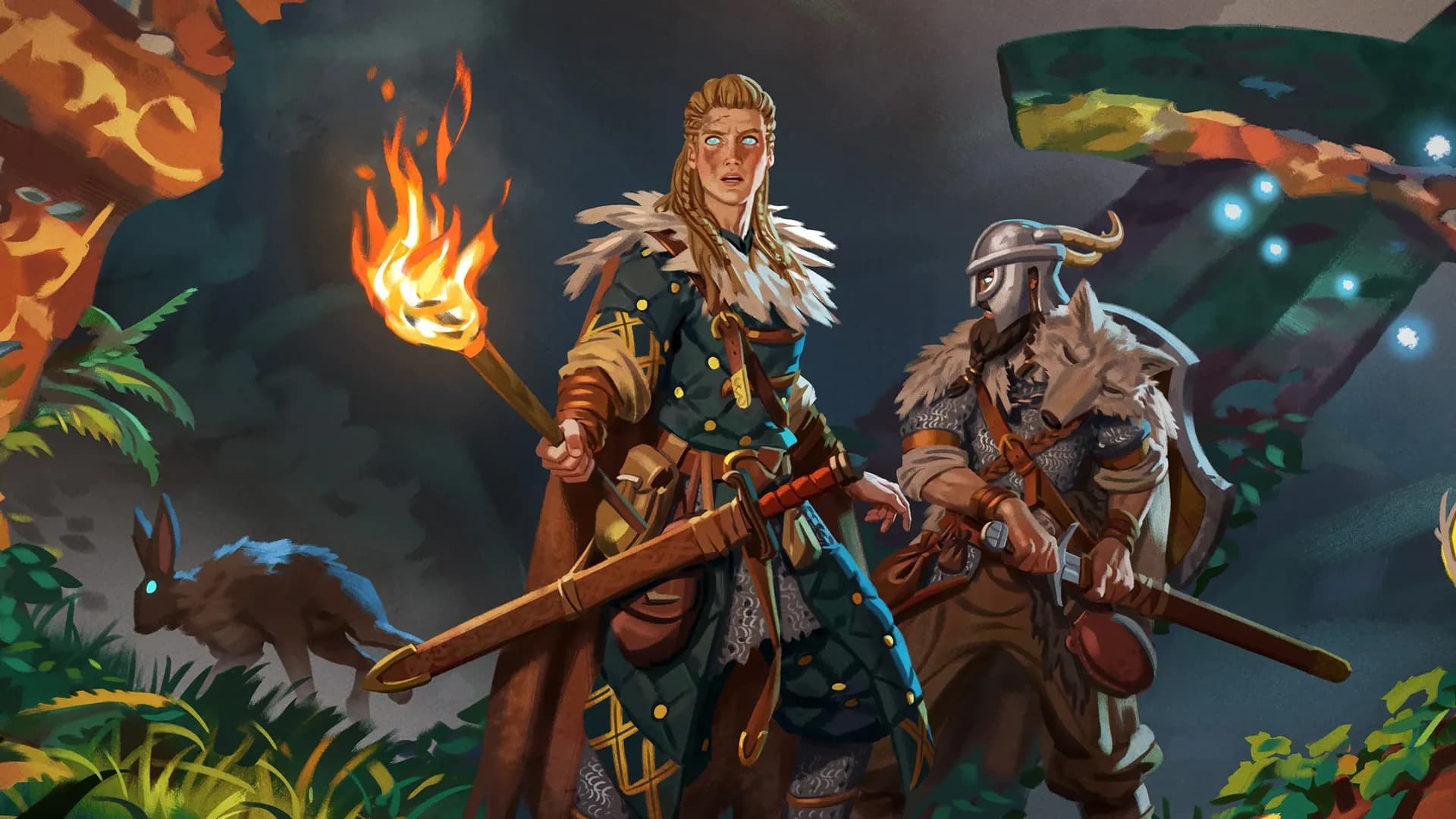
Valheim game artwork

Co-op, Valheim hosting

Your Valheim server, hosted in Paris

Rent from €3.43/month, billed by the minute (0.48 ct/h)

Viking adventure in co-op, in a world that waits for you every evening.

Prices include VAT, no commitment. When it’s stopped, your server only pays for its storage, and its dedicated IP if it has one.

4.6/5 · 18 reviews onTrustpilot

Your world starts here

Hosting your Valheim server

Your clan. Your legend.

Valheim is played as a clan: exploring a new biome together, hauling timber back to a shared build, taking on a boss with the whole crew. A dedicated server keeps your world online without the host staying connected, and lets everyone progress on their own schedule.

Before you order, settle on the world seed if you have one in mind, the password, and where you stand on mods: vanilla, Valheim Plus or BepInEx each change how the game plays and how it updates.

Co-opMultiplayerValheim guide
Artwork of the Valheim universe, for an adventure with your community
The joy of playing togetherOne hall for the whole crew.

The Valheim server guide

Set up your Valheim server right.
Before the first login.

Guide 01

Vanilla, Valheim Plus or BepInEx: pick your path

The vanilla server follows the official game with no changes: it’s the simplest choice to maintain. Valheim Plus adds much-requested quality-of-life and balance settings, with a configuration file shared by the server and the players.

BepInEx opens the door to every community mod, at the cost of an install on every player’s machine and closer attention to updates. Choose when ordering, based on how much customisation your clan wants.


Guide 02

Seed, name and password: choices at creation

The world is generated from a seed: the same seed gives the same map, so you can pick a world you know or share one the community has enjoyed. The world name and the server password are set at creation, and the game requires a password for a private server.

Keep these three values somewhere safe: you’ll need them for any migration or restore.

Guide 03

Size for your builds and the biomes you’ve explored

Valheim is reasonable for a given number of players, but a big base with hundreds of pieces and heavily explored areas push the load up. The game recommends around ten players at once; beyond that, mods exist, but smoothness depends heavily on the machine.

Start from the recommended plan, watch resources in the client area during a building session, then adjust if your hall starts to look like a cathedral.

Guide 04

Saves and crossplay

The world is saved on the server at regular intervals, and you can keep copies from before each update or each boss fight that goes wrong. If your friends play on other platforms, crossplay can be enabled in the configuration so they can join the same server; player-side mods are then not available to everyone.

Check this before choosing between vanilla and modded.

You’ll also find Arkya’s articles and guides.

What runs on your server

Versions, mods and tools for Valheim

Valheim reached version 1.0 in September 2026. Mods go through BepInEx and Jötunn, often installed from Thunderstore; adminlist.txt, permittedlist.txt and bannedlist.txt manage access.

Current version: 1.0Checked on 12 November 2026

Versions

  • Valheim 1.0
  • public-test

Mods and plugins

  • BepInEx
  • Jötunn
  • Thunderstore

Tools

  • -crossplay
  • adminlist.txt
  • permittedlist.txt
  • bannedlist.txt

Consoles and crossplay: Valheim runs on PC, PS5, Xbox and Switch 2. Started with the -crossplay option, the server welcomes console players with a six-digit code. A mod that every player must install locks them out: consoles don’t accept mods.

Recommended RAM for a Valheim server

PlayersNo modsWith mods
Up to 5 players6 GB8 GB
Up to 10 players8 GB12 GB

Guidelines for a fresh world. A large map, lots of building or heavy mods need more: watch memory during a busy evening, then adjust the plan.

Configurations

Plans for your Valheim server

Prices include VAT, for a server running 24/7 for 30 days. You pay by the minute for what runs, and you switch plans whenever you like.

How much it costs

How much does a Valheim server cost?

From €3.43/month running 24/7, or 0.48 ct/h, billed by the minute from your balance. Here’s what that looks like for your playing rhythm, plan by plan.

Full pricing
Monthly prices including VAT for the Valheim plans, by running time
Plan24/7Stopped
Viking Camp€3.430.48 ct/h€0.18
Longhouserecommended€4.630.64 ct/h€0.30
Modded Realm€6.330.88 ct/h€0.42

Billed by the minute. The meter runs at the plan’s rate while the server is on. When it’s stopped, it no longer pays for processor or memory: only its storage, and its dedicated IP if it has one.

Prices include VAT, no commitment. You top up your balance by card or PayPal, and it’s charged as you use it. No subscription, no setup fees, no renewal prices.

Change it any time. A plan is a starting point: you change processor, memory or disk from the client area, and the price follows straight away.

Monthly prices including VAT on the cheapest machine, for a 30-day month (720 h). The “4 h a night” column also counts the storage paid for the rest of the day, with the server stopped.

Features

Everything you need for Valheim

  • Survie
  • Construction
  • Aventure
  • Coop
  • Vanilla, Valheim Plus et BepInEx

    Lance ton serveur en Vanilla pour une expérience pure, Valheim Plus pour un confort de jeu amélioré, ou BepInEx pour une personnalisation totale avec des mods communautaires.

  • Disponible 24h/24, latence optimale

    Ton serveur tourne en permanence depuis nos datacenters parisiens. Tes compagnons vikings explorent même quand tu es hors ligne, avec une latence bien inférieure à un hébergement depuis ton PC.

  • Mods supportés via BepInEx

    BepInEx ouvre l'accès à des centaines de mods Valheim : nouveaux biomes, créatures, mécaniques de jeu et équipements. Installe tes mods via le WebFTP et transforme ton expérience.

  • Editeur de configuration et WebFTP

    Modifie ta configuration et accède à tous tes fichiers directement depuis le navigateur. Ajuste la difficulté, les ressources et les paramètres de ton monde sans logiciel tiers.

  • Protection DDoS L3/L4

    Ton serveur est protégé en permanence contre les attaques DDoS de couches 3 et 4. Tes raids de boss ne seront jamais interrompus par une attaque extérieure.

  • Serveurs basés à Paris

    Nos machines sont hébergées à Paris, sur une infrastructure professionnelle pensée pour le jeu. Latence minimale pour tes joueurs européens, stabilité maximale en toutes circonstances.

Everything is managed from your client area

Live console, logs, backups, members and usage: every service in one place, paid from the same balance.

survival-with-friendsAGSOnlineValheimRestartStop

> say Welcome to the guild!

Players online

  • Inès
  • Léo
  • Karim
  • Sacha
  • Maël

CPU

Memory

From idea to first login

Launch your Valheim server in three steps.

Check your playground

Edition, version, player access: pin down your Valheim project, then choose the edition and configuration that suit it.

Configure and protect

Choose the resources, set up access and import your data from the panel if needed. Keep a copy before every major change.

Invite and observe

Test a first login, share the address with your group and watch the resources during a real session.

Your community

Your whole Valheim community.

Your Valheim server is often just the beginning. Its database is free, and your community’s bot or website can run right next to it, in the same project.

A free database, MariaDB or PostgreSQL

0.5 vCPU, 512 MB of memory and 5 GB of disk, free for as long as your server is active. You create it from the server’s overview; if you make it bigger, only the extra is billed.

The free database

Your Discord bot or website alongside

A Docker image, and Arkya puts it online as an application, with HTTPS and your domain. From €1.50/month running around the clock, €0 when stopped.

Host an application
  • Une excellente première impression !

    Franchement, une très belle découverte ! Arkya se démarque par sa grande écoute et l'importance qu'ils accordent aux besoins de leurs clients. Le support est particulièrement attentif, prend le temps de comprendre chaque demande et cherche à proposer des solutions adaptées, même pour des projets Minecraft particulièrement exigeants. Une équipe accueillante, une approche vraiment agréable et une excellente première impression. Ça fait plaisir de voir un hébergeur qui accorde autant d'importance à ses clients et à leur satisfaction ! Merci à l'équipe Arkya, continuez comme ça ! <3
    Aizen
  • Une infrastructure fiable et une facturation vraiment adaptée à l'usage

    Nous hébergeons depuis un mois notre serveur Minecraft Java moddé (modpack Fabric de plus de 100 mods) chez Arkya. Sur cette période, nous n'avons constaté aucune interruption de service : le serveur est resté disponible 24h/24. Le principal atout de l'hébergeur réside dans sa facturation à l'heure. Le compte est crédité à l'avance et seul le temps d'activité du serveur est facturé. Pour une communauté dont la fréquentation varie, ce modèle est nettement plus avantageux qu'un abonnement fixe. [...] Nous recommandons sans hésiter Arkya !
    Project Family
  • Support très rapide

    Support très rapide, et facile d'utilisation.
    Maxence B.

Reviews published on Trustpilot, shown from newest to oldest, unfiltered and unedited. The rating is calculated by Trustpilot across all reviews. Reviews are shown in their original language.

Questions about Valheim servers

  • Can I carry on my solo game on the server?

    Yes. The world files transfer to the server, and each player keeps their character, which is stored on their side. Stop the server before copying the world and check that the game versions match.

  • Do my friends need to install Valheim Plus or BepInEx too?

    Yes for BepInEx and most mods: the server and the players must run the same versions. Valheim Plus also needs installing on the player side. Only the vanilla server works without installing anything.

  • Does the world keep evolving with no one online?

    No: with no player connected, the world is paused. Crops grow and enemies move only when someone is online, in the active zones around players.

  • Can my friends on console join my Valheim server?

    Yes, since version 1.0: start the server with the -crossplay option, and PS5, Xbox and Switch 2 players join with a six-digit code. A mod that every player must install locks them out, since consoles don’t accept mods.

  • How do I become an admin on my Valheim server?

    Add your ID (SteamID64, or platform ID with crossplay) to adminlist.txt, then restart. The in-game console (F5) then gives you kick, ban and save.

  • Why does my Valheim server reject my password?

    Valheim requires a password of at least five characters that doesn’t contain the server name. Otherwise, the server won’t start.

  • Can I adjust the difficulty of a Valheim server?

    Yes, with world modifiers: combat, resources, raids, death and portals are set when the server starts (-preset, -modifier). The chosen setting applies to everyone in the world.

  • How does Valheim save the world?

    The server saves the world every 30 minutes and keeps a few automatic backups (.db and .fwl files). Before an update or a new mod, copy those files somewhere else too.

  • How do I list my Valheim server publicly?

    Start the server with -public 1: it shows up in the community list. With -public 0, only people with the address or code can join.

  • Quelle version choisir entre Vanilla, Valheim Plus et BepInEx ?

    Valheim Vanilla est idéal si tu veux l'expérience originale sans modification. Valheim Plus est recommandé pour la plupart des joueurs : il ajoute des options de confort très appréciées sans altérer le gameplay de base. BepInEx est le choix pour ceux qui veulent installer des mods communautaires complets depuis Nexus Mods.

  • Puis-je installer des mods sur mon serveur Valheim ?

    Oui, en choisissant la version BepInEx. Ce framework te permet d'installer des mods communautaires depuis Nexus Mods via le WebFTP. Les joueurs devront également installer les mêmes mods côté client pour pouvoir se connecter.

  • Qu'est-ce que Valheim Plus apporte par rapport au Vanilla ?

    Valheim Plus ajoute de nombreuses options de configuration absentes du Vanilla : augmentation du poids d'inventaire, portée de construction étendue, taux de gain de compétences ajustables, affichage de la map partagée et bien d'autres améliorations de confort. Tout est configurable depuis le fichier valheim_plus.cfg.

  • Combien de joueurs peuvent se connecter simultanément ?

    Valheim supporte officiellement jusqu'à 10 joueurs simultanés sur un serveur dédié. Cette limite est inscrite dans le jeu et ne peut pas être modifiée nativement, bien que certains mods permettent de la contourner.

  • Puis-je importer ma sauvegarde solo sur mon serveur ?

    Oui. Tes sauvegardes solo se trouvent dans %APPDATA%/LocalLow/IronGate/Valheim/worlds/. Transfère les fichiers .db et .fwl de ton monde via le WebFTP dans le dossier worlds de ton serveur. Ton monde est conservé à l'identique avec toutes tes constructions et ressources.

  • Mon serveur tourne-t-il quand je suis hors ligne ?

    Oui. Contrairement à une session hébergée depuis ton PC qui s'arrête dès que tu te déconnectes, un serveur dédié tourne en permanence. Tes amis peuvent explorer et progresser à tout moment, indépendamment de ta connexion.

Other worlds await

What about your next adventure?

All games

Some artwork is original mood art, not official. Trademarks and games belong to their respective publishers.

Got a project in mind?
Give it a world.

Your next server, your next community, your next idea.

No commitment · Billed by the minute