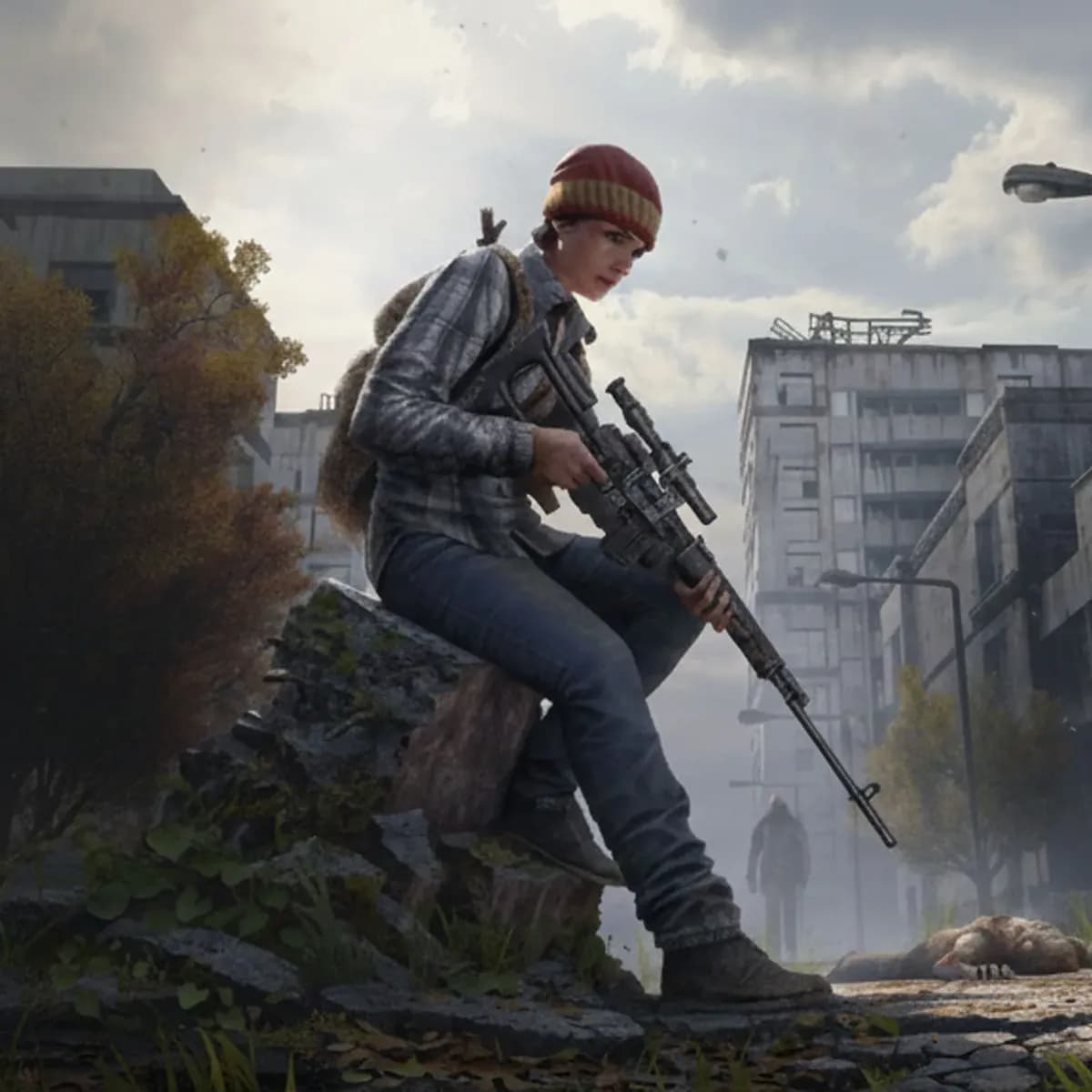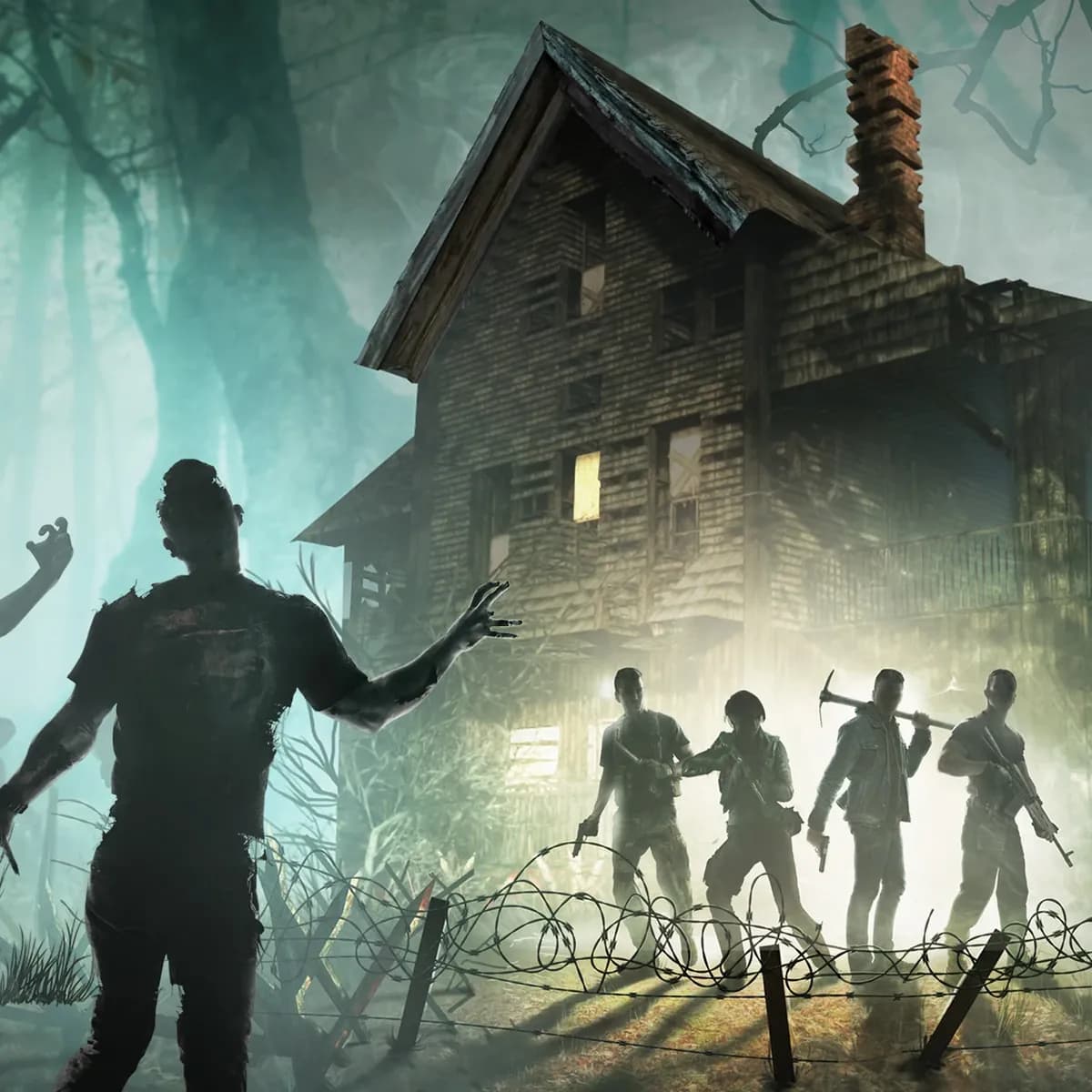
The Forest game artwork

Survival, The Forest hosting

Your Sons of the Forest and The Forest server, hosted in Paris

Rent from €3.43/month, billed by the minute (0.48 ct/h)

Sons of the Forest and The Forest in co-op, on a server that remembers your nights.

Prices include VAT, no commitment. When it’s stopped, your server only pays for its storage, and its dedicated IP if it has one.

4.6/5 · 18 reviews onTrustpilot

Your world starts here

Hosting your Sons of the Forest and The Forest server

Survive the forest, together.

Sons of the Forest is better with friends: building a base while someone keeps watch, going down a cave by the light of two torches, holding off a night assault from the walls. Up to 8 players share the same island. A dedicated server keeps it online when the host logs off, so the game no longer depends on one player’s connection.

The same server also runs The Forest, the first game: you pick the game from the panel. Before you order, decide together on the game mode and whether enemies are on: the whole balance of the game depends on it.

SurvivalMultiplayerThe Forest guide
Artwork of the The Forest universe, for an adventure with your community
The joy of playing togetherOne shelter, one more night.

The The Forest server guide

Set up your The Forest server right.
Before the first login.

Guide 01

An island of its own, for the whole group

The dedicated server has its own saves and its own settings: it doesn’t touch anyone’s solo games. It stays online between sessions and everyone joins the island whenever they like.

On Sons of the Forest, the IdleDayCycleSpeed setting pauses the day-night cycle when nobody is online. Keep in mind that the server version has to keep up with the game version after every update.


Guide 02

Game mode and enemies: decide before the first night

Sons of the Forest offers Normal, Hard, Hard Survival, Peaceful (no enemies) and Creative modes, plus a Custom mode where you set enemies, seasons or day length. The Forest has a Peaceful mode too.

A group that mostly wants to build a spectacular base will prefer a peaceful world; a group that came for the horror will keep enemies on and the difficulty high. These settings are chosen when the game is created: changing your mind later often means starting a new save.

Guide 03

Size for bases, not players

The game caps the group at 8 players; it’s the builds that drive up the load. A sprawling base with hundreds of pieces and traps needs more memory than a starter camp.

Sons of the Forest, newer and richer, also uses noticeably more than The Forest. Start with the recommended plan, check usage in the client area after a few building sessions and adjust if the base grows fast.

Guide 04

Saves and slots: don’t lose a hundred hours

Progress is stored in a save slot on the server (SaveSlot in the Sons of the Forest configuration). Make regular copies, especially before a game update or a big expedition your group might not come back from.

If you want to start from scratch without losing the old island, use another slot rather than overwriting the first: both worlds stay available.

You’ll also find Arkya’s articles and guides.

What runs on your server

Versions, mods and tools for The Forest

Sons of the Forest is configured in dedicatedserver.cfg, and ownerswhitelist.txt lists the administrators. For mods, RedLoader for Sons of the Forest and ModAPI for The Forest: every player needs them too.

Checked on 12 November 2026

Versions

  • Sons of the Forest
  • The Forest

Mods and plugins

  • RedLoader
  • ModAPI

Tools

  • dedicatedserver.cfg
  • ownerswhitelist.txt
  • SteamCMD

Consoles and crossplay: Sons of the Forest only exists on PC (Steam). The Forest also came out on PS4, but PlayStation players can’t join a PC server.

Recommended RAM for a The Forest server

PlayersMemory
Up to 4 players6 GB
Up to 8 players10 GB

Guidelines for a fresh world. A large map, lots of building or heavy mods need more: watch memory during a busy evening, then adjust the plan.

Configurations

Plans for your The Forest server

Prices include VAT, for a server running 24/7 for 30 days. You pay by the minute for what runs, and you switch plans whenever you like.

How much it costs

How much does a The Forest server cost?

From €3.43/month running 24/7, or 0.48 ct/h, billed by the minute from your balance. Here’s what that looks like for your playing rhythm, plan by plan.

Full pricing
Monthly prices including VAT for the The Forest plans, by running time
Plan24/7Stopped
Co-op Camp€3.430.48 ct/h€0.18
Base Buildersrecommended€5.420.75 ct/h€0.30

Billed by the minute. The meter runs at the plan’s rate while the server is on. When it’s stopped, it no longer pays for processor or memory: only its storage, and its dedicated IP if it has one.

Prices include VAT, no commitment. You top up your balance by card or PayPal, and it’s charged as you use it. No subscription, no setup fees, no renewal prices.

Change it any time. A plan is a starting point: you change processor, memory or disk from the client area, and the price follows straight away.

Monthly prices including VAT on the cheapest machine, for a 30-day month (720 h). The “4 h a night” column also counts the storage paid for the rest of the day, with the server stopped.

Features

Everything you need for The Forest

  • Survie
  • Craft
  • Horreur
  • Coop
  • The Forest ou Sons of the Forest

    Lance ton serveur sur The Forest ou Sons of the Forest selon tes préférences. Change de version depuis le panel à tout moment sans perdre ta configuration.

  • Disponible 24h/24

    Ton serveur tourne en permanence, indépendamment de toi. Tes amis explorent et construisent même quand tu es hors ligne, sans coupure ni perte de progression.

  • Editeur de configuration et WebFTP

    Modifie ta configuration et accède à tous tes fichiers directement depuis le navigateur. Ajuste la difficulté, les ennemis et les paramètres de ton monde sans logiciel tiers.

  • Console en temps réel

    Surveille les logs et administre ton serveur en direct depuis la console intégrée au panel.

  • Protection DDoS L3/L4

    Ton serveur est protégé en permanence contre les attaques DDoS de couches 3 et 4. Ta session coop ne sera jamais interrompue par une attaque extérieure.

  • Serveurs basés à Paris

    Nos machines sont hébergées à Paris, sur une infrastructure professionnelle pensée pour le jeu. Latence minimale pour tes joueurs européens, stabilité maximale en toutes circonstances.

Everything is managed from your client area

Live console, logs, backups, members and usage: every service in one place, paid from the same balance.

survival-with-friendsAGSOnlineThe ForestRestartStop

> say Welcome to the guild!

Players online

  • Inès
  • Léo
  • Karim
  • Sacha
  • Maël

CPU

Memory

From idea to first login

Launch your The Forest server in three steps.

Check your playground

Edition, version, player access: pin down your The Forest project, then choose the edition and configuration that suit it.

Configure and protect

Choose the resources, set up access and import your data from the panel if needed. Keep a copy before every major change.

Invite and observe

Test a first login, share the address with your group and watch the resources during a real session.

Your community

Your whole The Forest community.

Your The Forest server is often just the beginning. Its database is free, and your community’s bot or website can run right next to it, in the same project.

A free database, MariaDB or PostgreSQL

0.5 vCPU, 512 MB of memory and 5 GB of disk, free for as long as your server is active. You create it from the server’s overview; if you make it bigger, only the extra is billed.

The free database

Your Discord bot or website alongside

A Docker image, and Arkya puts it online as an application, with HTTPS and your domain. From €1.50/month running around the clock, €0 when stopped.

Host an application
  • Une excellente première impression !

    Franchement, une très belle découverte ! Arkya se démarque par sa grande écoute et l'importance qu'ils accordent aux besoins de leurs clients. Le support est particulièrement attentif, prend le temps de comprendre chaque demande et cherche à proposer des solutions adaptées, même pour des projets Minecraft particulièrement exigeants. Une équipe accueillante, une approche vraiment agréable et une excellente première impression. Ça fait plaisir de voir un hébergeur qui accorde autant d'importance à ses clients et à leur satisfaction ! Merci à l'équipe Arkya, continuez comme ça ! <3
    Aizen
  • Une infrastructure fiable et une facturation vraiment adaptée à l'usage

    Nous hébergeons depuis un mois notre serveur Minecraft Java moddé (modpack Fabric de plus de 100 mods) chez Arkya. Sur cette période, nous n'avons constaté aucune interruption de service : le serveur est resté disponible 24h/24. Le principal atout de l'hébergeur réside dans sa facturation à l'heure. Le compte est crédité à l'avance et seul le temps d'activité du serveur est facturé. Pour une communauté dont la fréquentation varie, ce modèle est nettement plus avantageux qu'un abonnement fixe. [...] Nous recommandons sans hésiter Arkya !
    Project Family
  • Support très rapide

    Support très rapide, et facile d'utilisation.
    Maxence B.

Reviews published on Trustpilot, shown from newest to oldest, unfiltered and unedited. The rating is calculated by Trustpilot across all reviews. Reviews are shown in their original language.

Questions about The Forest servers

  • Can my friends play when I’m not online?

    Yes, that’s the point of a dedicated server: it stays online and everyone joins whenever they like. Progress on the island is shared and saved on the server.

  • Can we import a Sons of the Forest game started solo or hosted at home?

    An existing save can often be moved to the server if the game versions match. Stop the server, copy the files into the save slot, then check that every player can reconnect before you call the migration done.

  • Does the server version have to match the game version?

    Yes. After a Sons of the Forest or The Forest update on Steam, players can only join an up-to-date server. Back up, then update the server from the client area before your next session.

  • How do I become an admin on Sons of the Forest?

    Add your Steam ID (SteamID64) to ownerswhitelist.txt, next to dedicatedserver.cfg, then restart. Listed accounts can kick and ban players.

  • How do I password-protect my Sons of the Forest server?

    Fill in the Password field in dedicatedserver.cfg, then restart. The file is JSON: keep the quotes and commas, or the server won’t start.

  • Do trees grow back on a Sons of the Forest server?

    Yes if Gameplay.TreeRegrowth is on in the GameSettings of dedicatedserver.cfg: cut trees grow back over time. Handy for big bases, which quickly clear the forest around them.

  • Can I stop bases from being destroyed in Sons of the Forest?

    The Structure.Damage setting, in the GameSettings of dedicatedserver.cfg, decides whether enemies can damage buildings. Turned off, it protects bases from mutants, at the cost of some tension.

  • Why does the Sons of the Forest server use CPU with nobody on?

    The server keeps simulating the world. In dedicatedserver.cfg, IdleTargetFramerate caps frames per second when nobody is connected, and ActiveTargetFramerate when players are on: modest values lighten the load.

  • Can I play with mods on The Forest and Sons of the Forest?

    Yes: ModAPI supports The Forest dedicated server, and RedLoader the Sons of the Forest one. Either way, every player installs the same mods; purely server-side mods are rare.

  • Quelle est la différence entre The Forest et Sons of the Forest ?

    The Forest est le jeu original, avec une histoire plus linéaire et une ambiance particulièrement oppressante. Sons of the Forest est la suite, avec un monde ouvert plus grand, un compagnon IA (Kelvin), une construction plus poussée et des graphismes modernisés. Les deux sont disponibles sur notre panel.

  • Combien de joueurs peuvent se connecter simultanément ?

    The Forest supporte jusqu'à 8 joueurs simultanément. Sons of the Forest supporte également jusqu'à 8 joueurs par défaut, avec la possibilité d'augmenter cette limite depuis la configuration du serveur.

  • Puis-je activer ou désactiver les ennemis sur mon serveur ?

    Oui. La présence des cannibales et mutants est configurable depuis les paramètres de ton serveur. Tu peux les désactiver entièrement pour une session construction pure, ajuster leur agressivité ou conserver l'expérience survival complète.

  • La progression est-elle sauvegardée si je redémarre le serveur ?

    Oui. Les deux jeux sauvegardent automatiquement la progression. Tu peux également forcer une sauvegarde manuelle depuis les options en jeu. Les fichiers de sauvegarde sont accessibles sur ton serveur pour les archiver ou les restaurer.

  • Puis-je rejoindre mon serveur sans que mes amis soient connectés ?

    Oui. Avec un serveur dédié, le monde tourne en permanence. Tu peux te connecter et jouer à tout moment, indépendamment de tes amis, contrairement à une session hébergée depuis le jeu qui s'arrête dès que l'hôte se déconnecte.

  • Comment configurer le mode de jeu (créatif, survie, etc.) ?

    Le mode de jeu se configure depuis les paramètres de ton serveur : mode survie standard, mode créatif sans craft requis, difficulté personnalisée avec ou sans permadeath. Sur Sons of the Forest, des options supplémentaires comme la personnalisation des saisons et de la météo sont également disponibles.

Other worlds await

What about your next adventure?

All games

Some artwork is original mood art, not official. Trademarks and games belong to their respective publishers.

Got a project in mind?
Give it a world.

Your next server, your next community, your next idea.

No commitment · Billed by the minute